





Account Information & Guide to Account Activation via M2U ID App
You can easily check your account status and activate your account anytime, anywhere through the M2U ID App (mobile banking). However, if your account is dormant, you will need to visit the nearest Maybank branch to reactivate it.
Information on account status. Click here
Announcement on account status adjustment. Click here
Information on Maybank branch locations. Click here
In accordance with POJK Regulation No. 24 of 2025, an inactive account is an account that has had no deposit, withdrawal, or balance check activity for more than 360 days. However, there is no need to worry, you can still activate your inactive account via the M2U ID App (mobile banking).
|
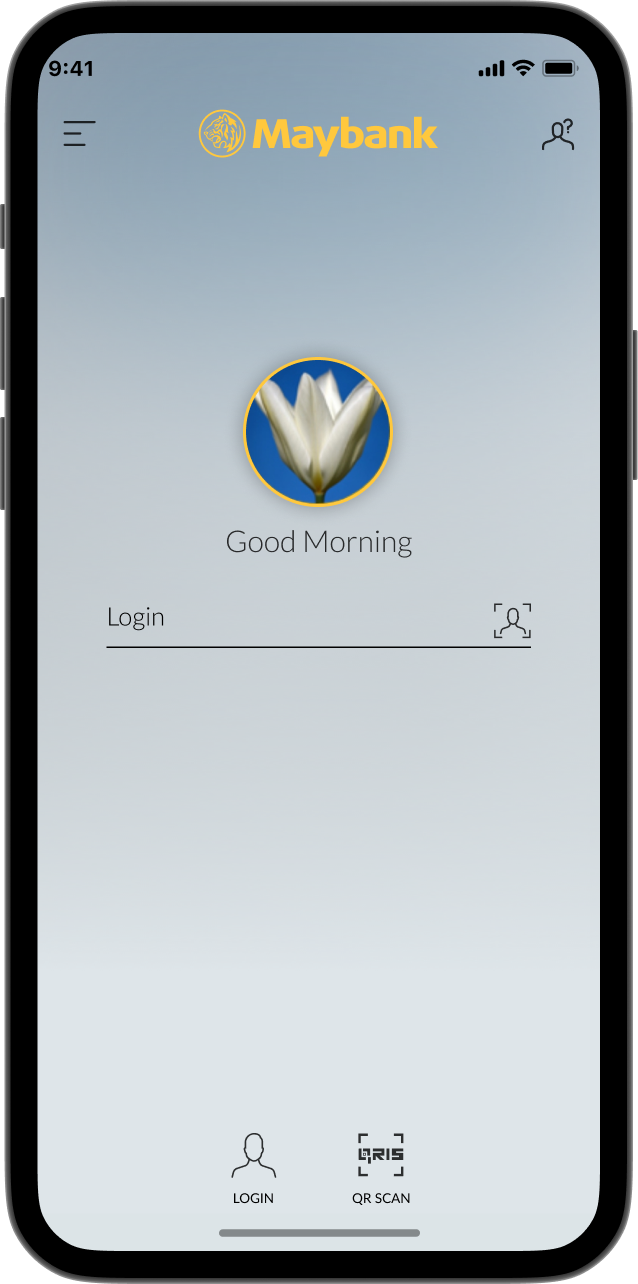
Log in to M2U ID App
|
 |
|
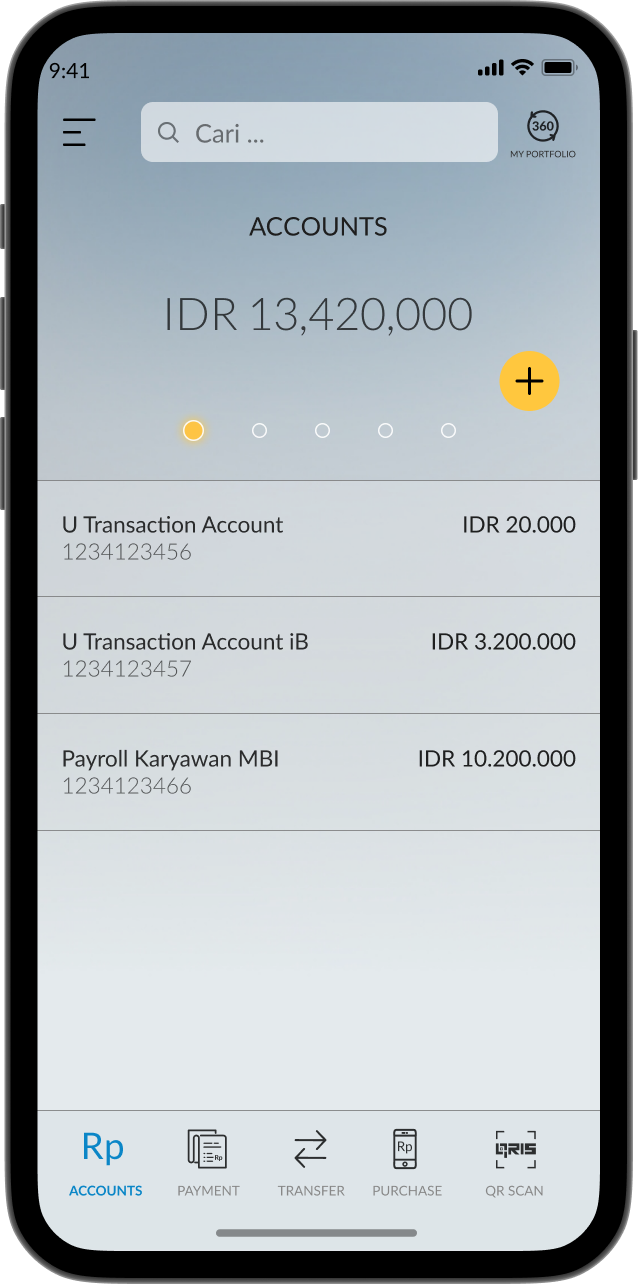
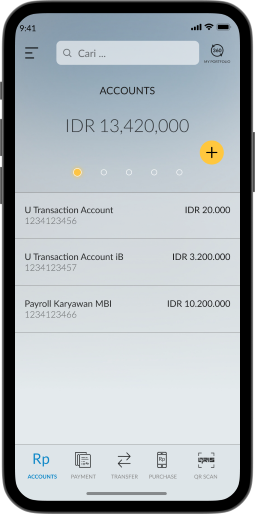
Choose inactive saving account you want to activate
|
 |
|
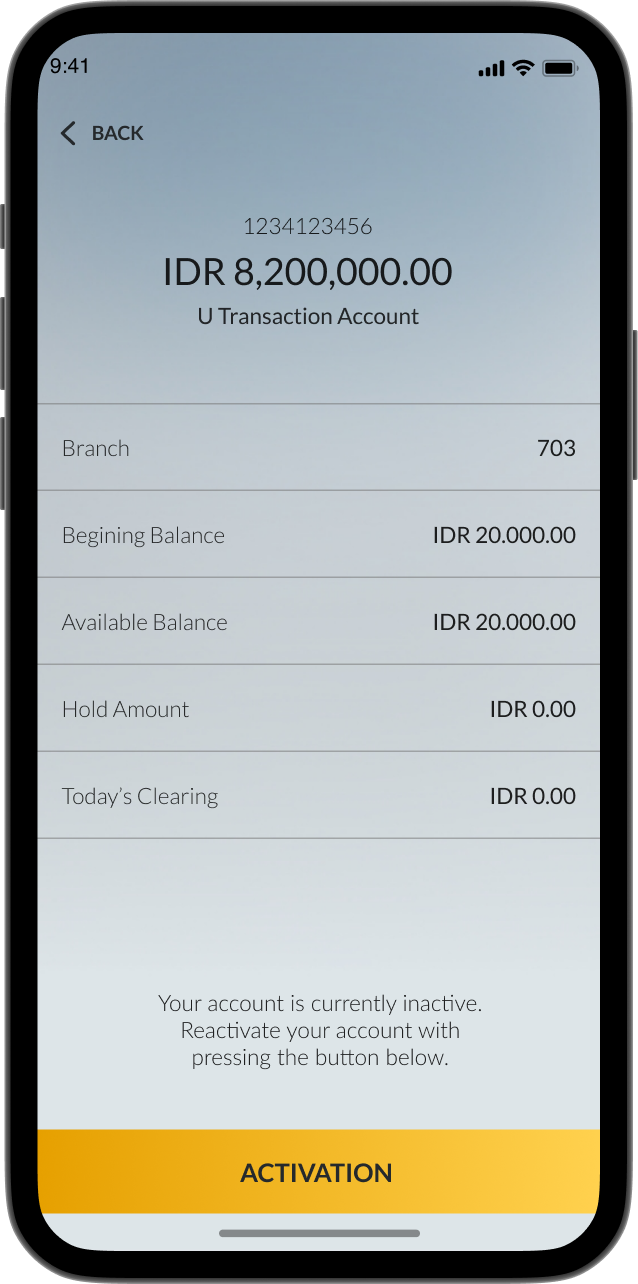
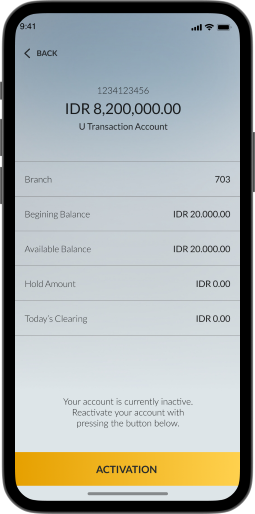
Click “Activate”
|
|
|
|
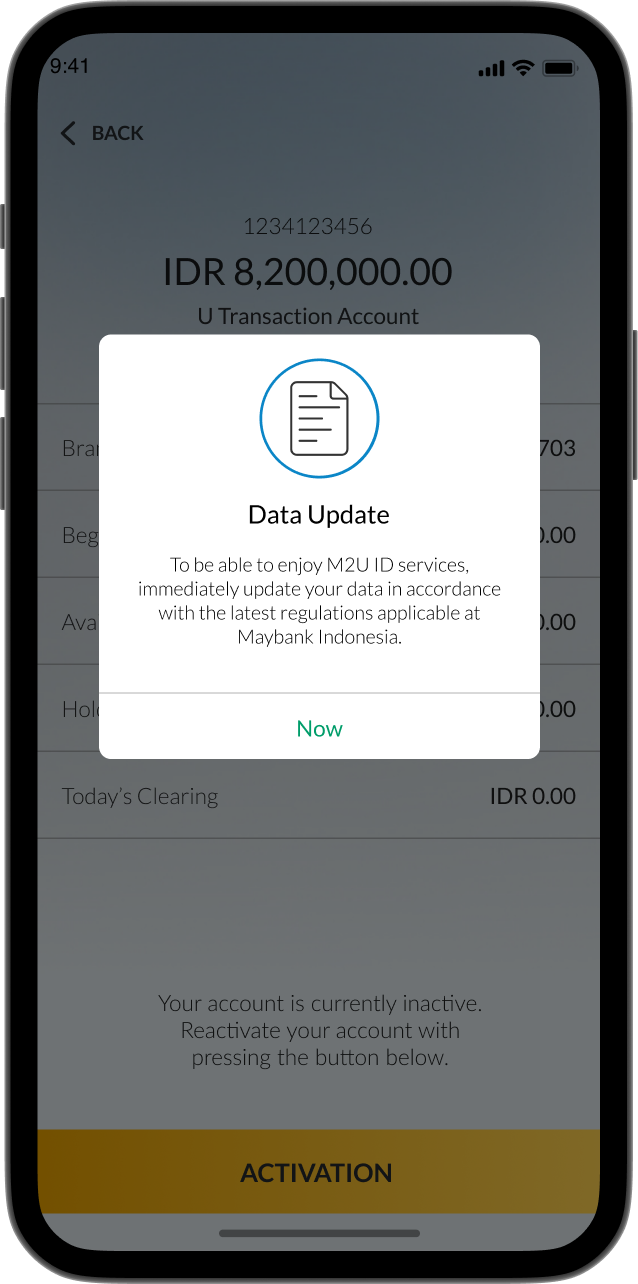
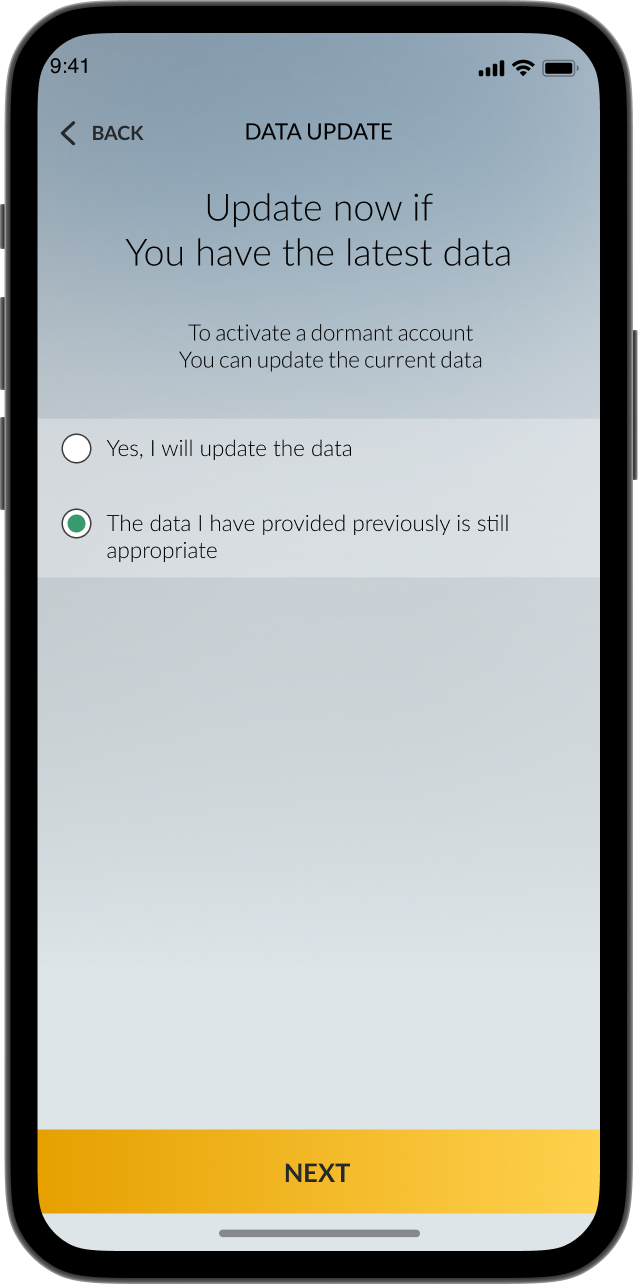
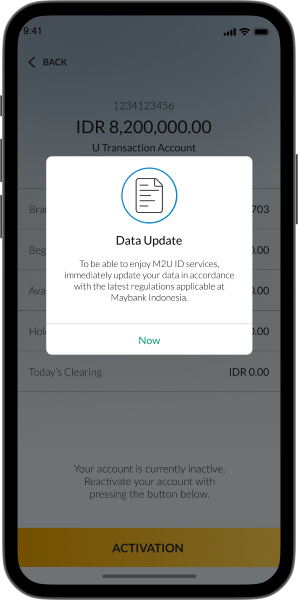
On your screen will appear pop up notification for Customer data update. Click “Update Now” to continue
|
 |
|
Click “The data I provided previously is still appropriate” if the Customer data doesn’t need to be updated”
|
 |
|
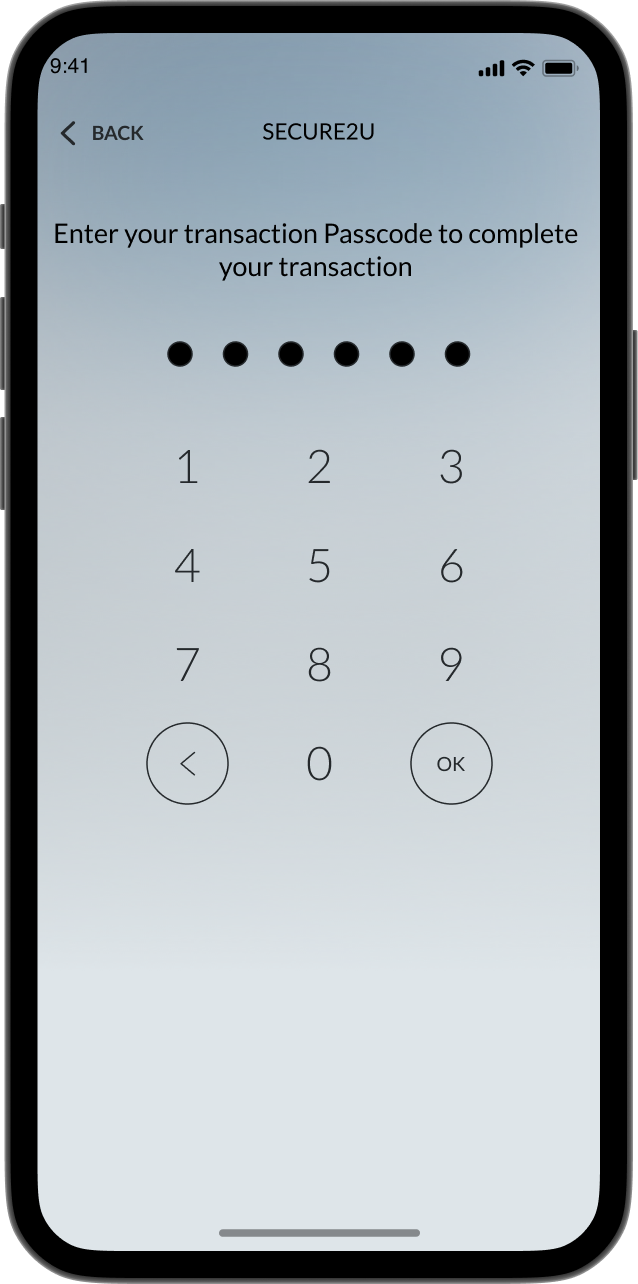
Enter the TAC/Secure2U that has been sent to your registered phone number
|
 |
|
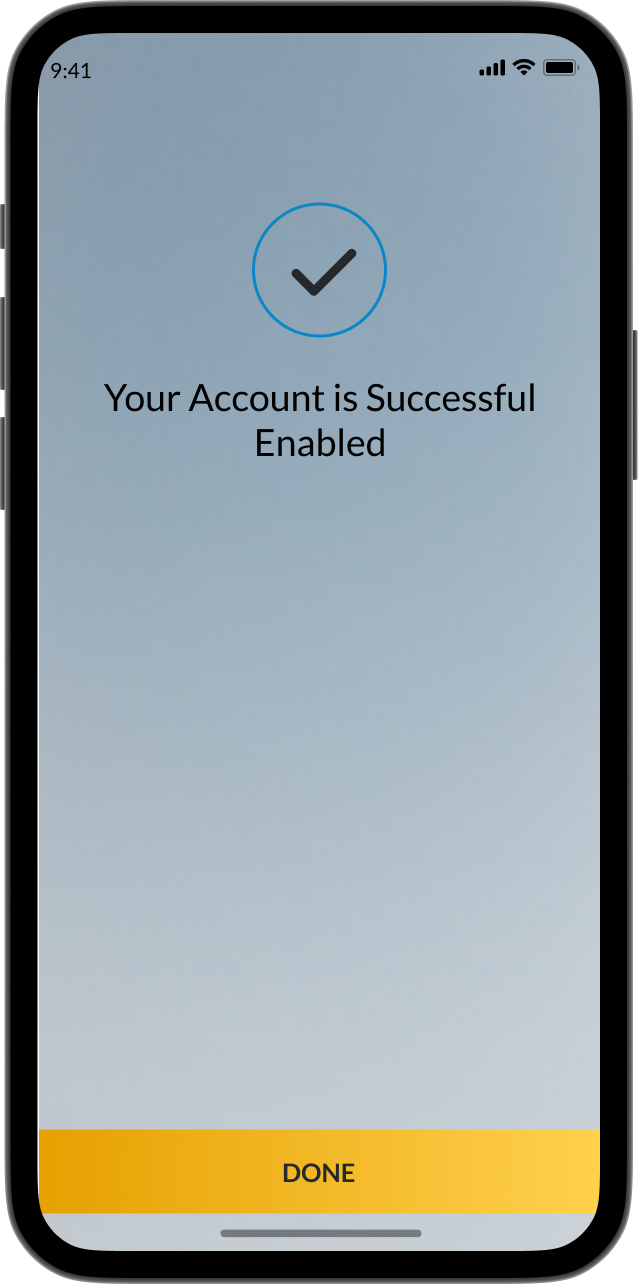
Your Savings Account was successfully activated
|
 |
|
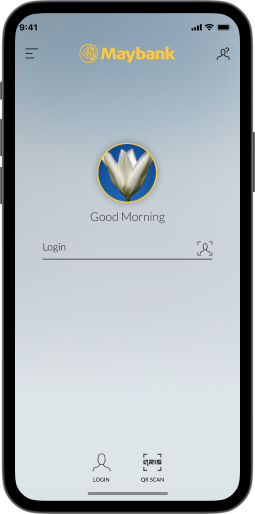
Log in to M2U ID App
|
 |
|
Choose inactive saving account You want to activate
|
 |
|
Click “Activate”
|
|
|
|
On your screen will appear pop up notification for Customer data update. Click “Update Now” to continue
|
 |
|
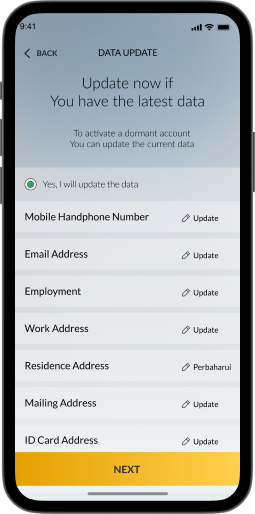
Click “Yes, I will update the data” and select category of data that needs to be updated
|
 |
|
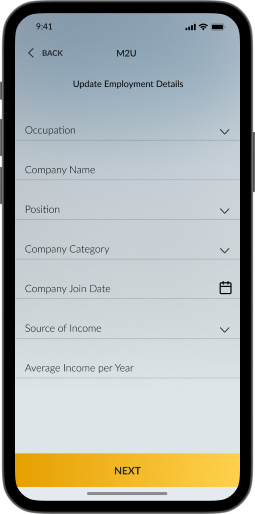
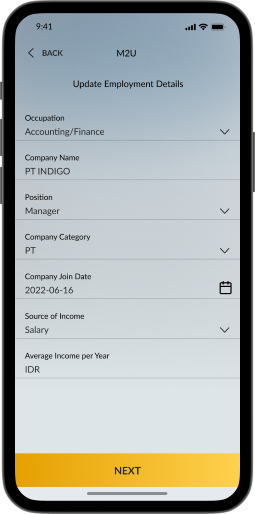
Complete your Employment information data, then click “ Next”“Continue”
|
 |
|
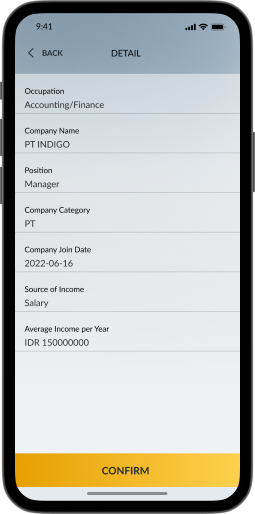
Check your detail information, and if its correct click “Confirmation”
|
 |
|
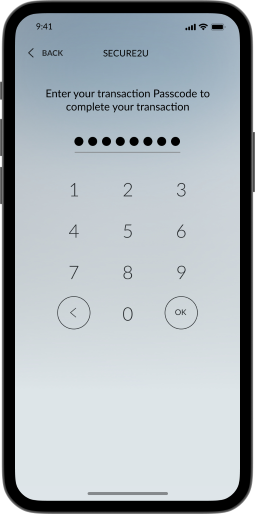
Enter the TAC/Secure2U that has been sent to your registered phone number
|
 |
|
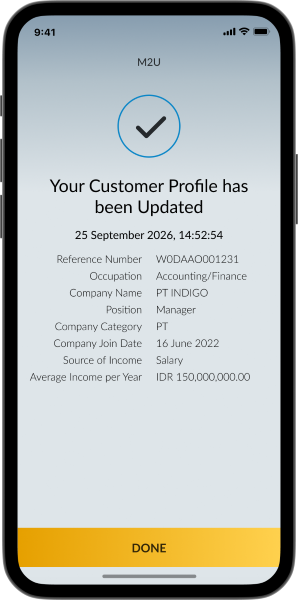
Click “Selesai” to continue activate your inactive savings account
|
 |
|
Your Savings Account was successfully activated
|
 |
- Regularly perform necessary transactions using funds from your Maybank Savings/iB Savings account.
- Register the account as the funding source for routine time deposits or investments.
- Set up scheduled transfers to a designated account.
- Set up routine monthly bill payments.
- Ensure the account balance is always available.
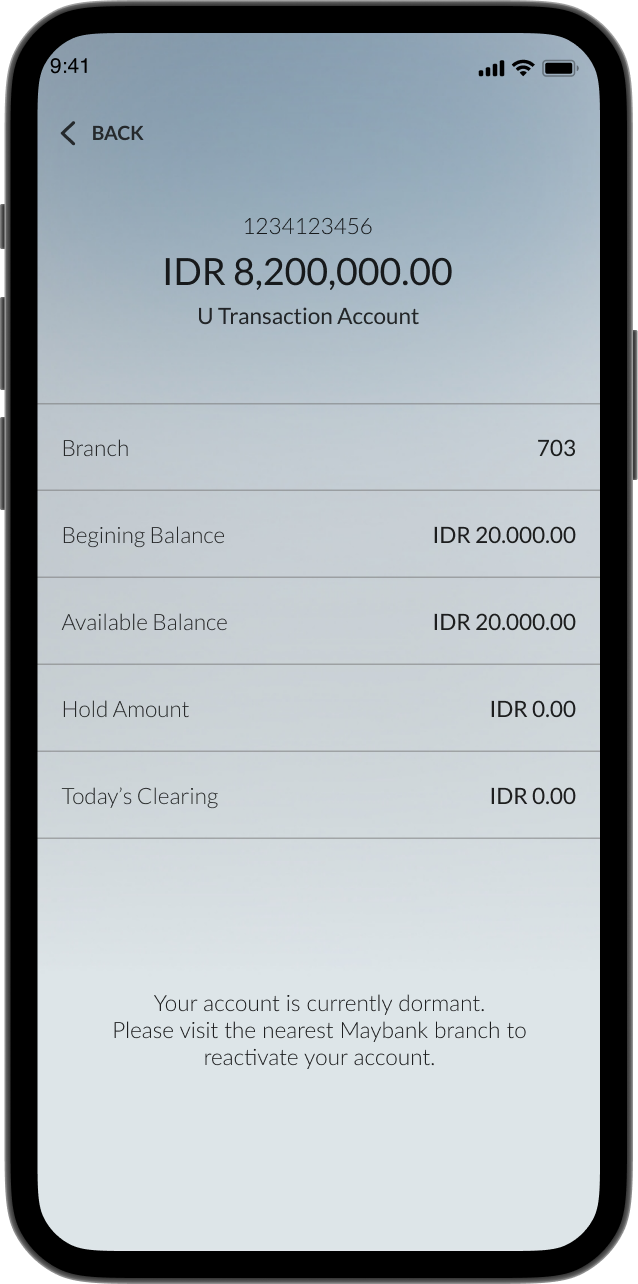
In accordance with POJK Regulation No. 24 of 2025, a dormant account is an account with no deposit, withdrawal, or balance inquiry activity for more than 1,800 days.
How to Check Your Dormant Account Status:
|
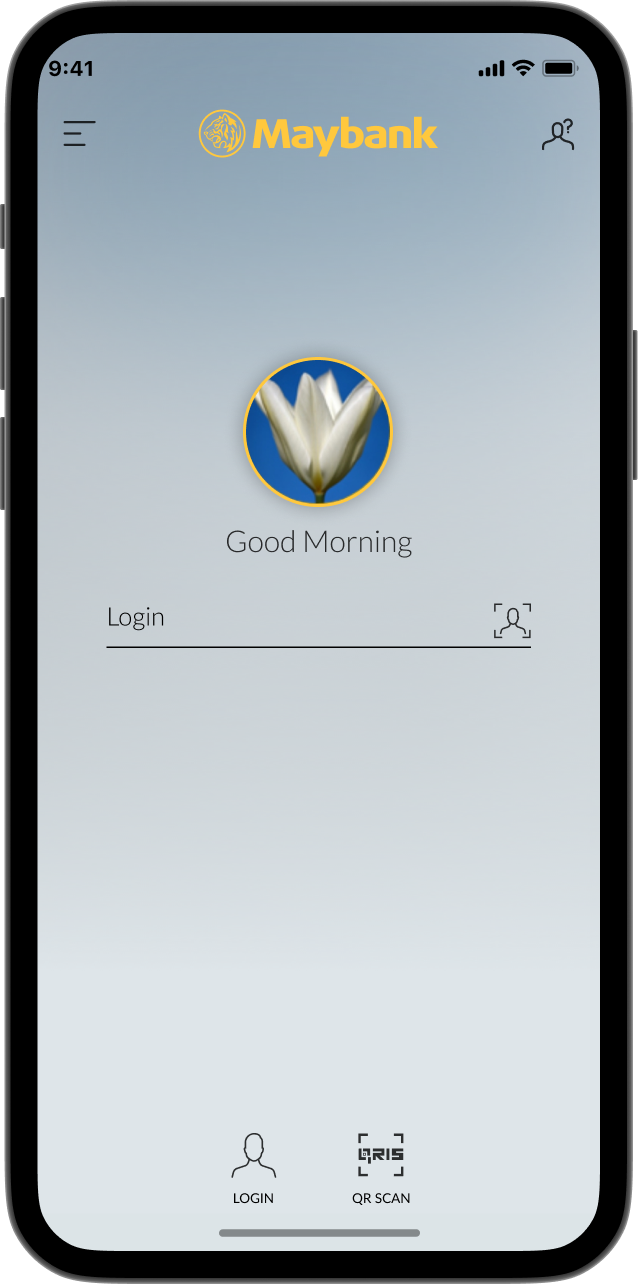
Login to M2U ID App
|
 |
|
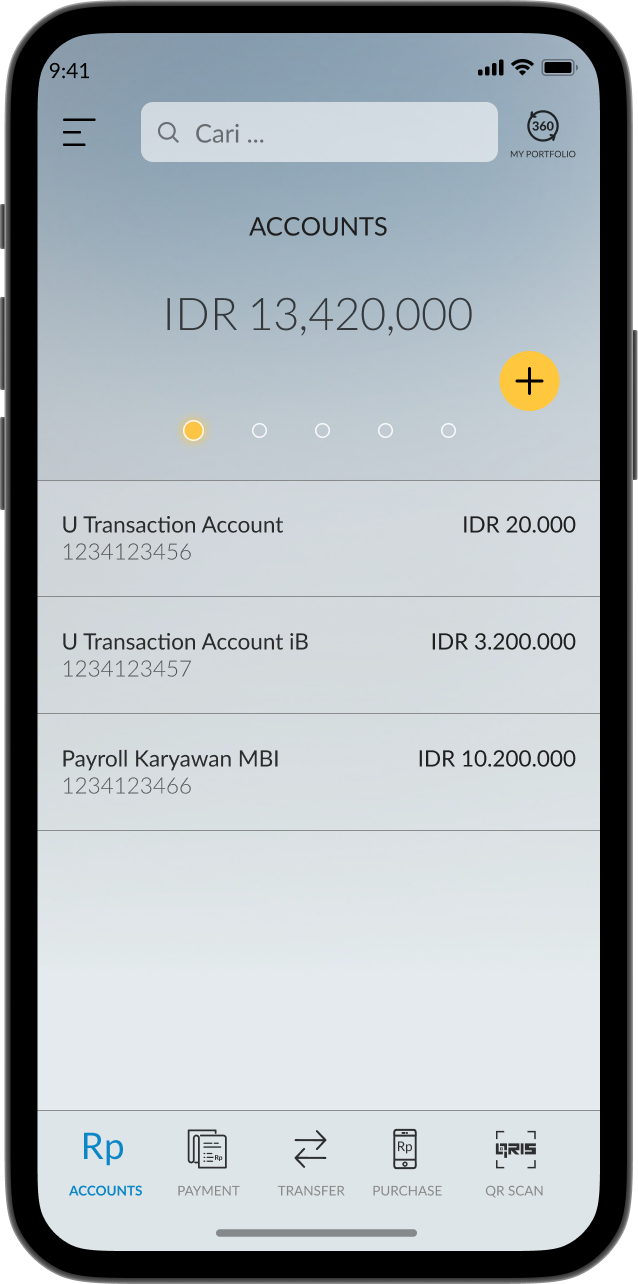
Select one of your savings accounts
|
 |
|
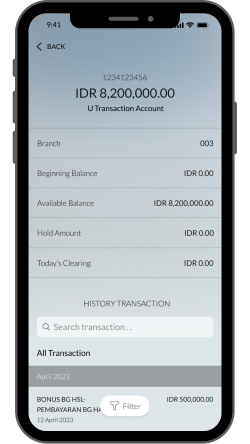
Screen display for active accounts.
Transaction history will appear. |
|
|
|
Screen display for dormant accounts.
Information on the account status will appear. |
|
|

SHARIA
Halal Indo Expo 2026
Muslim Life Fest 2026
Muslim Pro
Pendampingan Sertifikasi Halal
Islamic Banking as a Service (iBaaS)
Sukuk Investment
Sharia Mutual Fund
Shariah Wealth Management
Simpanan Syariah
Shariah Promotion Program
Hajj and Umrah
Zakat, Infaq & Sadaqah
Sharia Business
Property Financing iB
Instant Financing iB
Car Financing iB
Motorcycle Financing iB
Profit Sharing
Shariah Leaders Forum
OTHERS
Customer Support
Japan Desk
KPR Maybank Payroll
Promotion
Customer Support
Visit Malaysia
News & Announcements
KPM Privilege
Locate Us
Refer a Friend
Fees & Charges
Rates Information
Maybank Basic Credit Interest Rate
Customer Education
External Link
Security Privacy and Policy
Social Media Community Guidelines


Select Country






Corporate Online Services


